
How it works: Mobile payment for occupational and speech therapists during home visits and school therapy in Switzerland
Occupational and speech therapists during home visits and school therapy collect payments directly on-site with the Payrexx Tap to Pay app on Android, or send payment links via WhatsApp to the parents if they are not present. iPhone is not supported.
Published:
Last updated (content):
Last updated (prices):
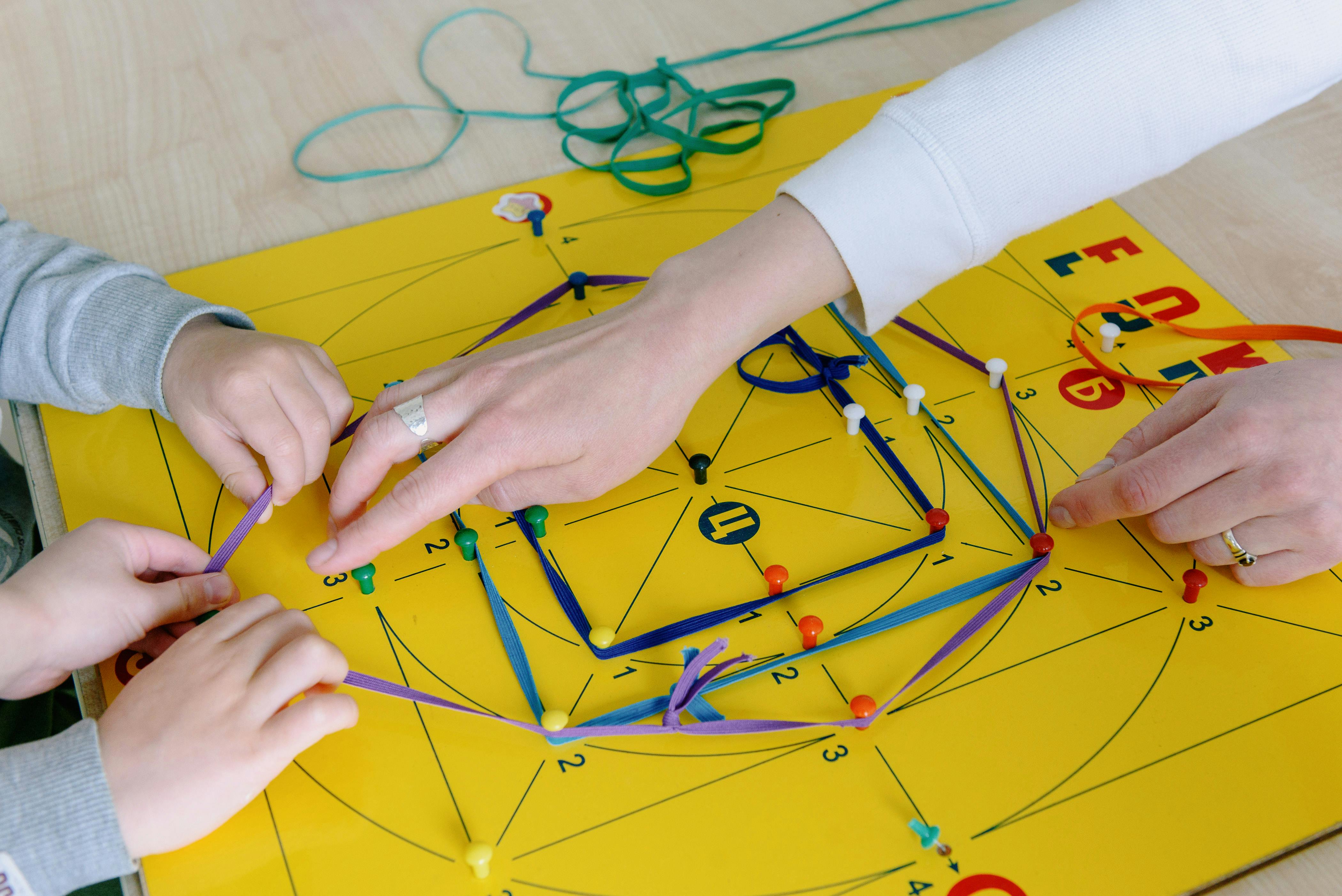
Occupational and speech therapists who treat children at home or at school can take payments directly on-site with the Payrexx Tap to Pay app on an Android smartphone – without a terminal, without a separate device, without detours. Payment links via WhatsApp to parents complement the setup for all situations without direct contact.
This guide shows you the optimal payment workflow for home visits, school therapies, and mobile occupational/speech therapy sessions – with verified fees and concrete backup scenarios.
1. Why home visits and school therapy present special requirements
Mobile occupational therapy and school-based speech therapy are widespread in Switzerland: Therapists travel to schools, special education schools, daycares, or patients' homes. In terms of payment processing, this creates a specific situation: Parents are usually not on-site – they have dropped the child off at school or are waiting for the therapist at home. A terminal makes no sense because no one is there to pay.
The solution is two-tiered: Tap to Pay on Android for the rare cases where parents are present (e.g. home visits where the mother is at home), and payment links via WhatsApp for all other situations. The therapist informs the parents via message after the session and includes the payment link straight away.
2. Tap to Pay for home visits: Step by step
Setup takes less than 15 minutes and works on any NFC-enabled Android smartphone (Android 8.1 or higher):
Create a Payrexx account (free of charge, InStore subscription is sufficient)
Download the Payrexx Tap to Pay app from the Google Play Store
Connect the app to your Payrexx account
Activate payment methods: cards, TWINT, mobile wallets
Carry out a test payment with your own card
During the home visit: enter the amount, the parent holds their card or smartphone against the Android device
Payment appears immediately in the Dashboard
iPhone is not supported. Tap to Pay is included in every Payrexx plan – for pure on-site payments in the free InStore plan (cards 1.65% + EUR 0.15, TWINT 1.30%). With the Better Fees add-on (EUR 9/month), the same fees apply as with the Lector de tarjetas: debit 0.95% + EUR 0.15, credit 1.25% + EUR 0.15, TWINT 1.25%.
3. Payment link for school therapy: The standard workflow
Parents are never present during school therapy. The payment link via WhatsApp is the only practical route. The recommended workflow:
Conduct the session at the school
Send a brief WhatsApp message to parents after the session: session feedback + payment link
Create a payment link in the Payrexx Dashboard (amount, optional title e.g. 'Speech Therapy 3 June')
Copy the link into the WhatsApp message and send it
The parent pays in the evening using TWINT, card, or wallet
Payment is visible in the Dashboard
This combination – therapeutic update and payment link in one message – is perceived by parents as professional and service-oriented. There are no separate reminders, no awkward payment moments, and no open items.
Scenario | Parents present? | Recommended solution | Backup |
School therapy (special education school, mainstream school) | No | Payment link via WhatsApp | Payment link via email |
Home visit, parent at home | Yes | Tap to Pay Android | Payment link if no device available |
Daycare therapy | Usually no | Payment link via WhatsApp | – |
Mobile individual occupational therapy | Variable | Tap to Pay + payment link ready | Laminated TWINT QR code |
4. TWINT QR code as a silent backup
For situations where neither Tap to Pay nor Payment Link is practical – such as when a parent is spontaneously waiting at the school door and wishes to pay – a laminated static TWINT QR code is recommended as a backup. The QR code is created once via Payrexx QR Pay, printed out, and carried in the therapy bag. Fee: 1.25% + EUR 0.30 (QR Pay on the Free plan, as of October 2026). The parent scans it, enters the amount, and confirms.
5. Internet connection during school visits
Schools often have poor or restricted Wi-Fi for guests. Tap to Pay requires an internet connection on the therapist's Android device – your own mobile network (4G/5G) is the most reliable solution. The payment link can also be prepared without reception and sent as soon as the therapist has network coverage again.
For rural schools with poor mobile reception: TWINT QR code as the primary solution. The payment process takes place on the parent's smartphone – the therapist does not need a stable connection for this. Check the receipt in the Dashboard once network connection is available again.
6. Accounting for mobile visits
All transactions – whether Tap to Pay, payment link, or QR Pay – appear in the same Payrexx Dashboard. For mobile visits, the recommended booking reference is: school name or location + date. This allows all school and home visits to be evaluated separately at the end of the month. CSV export for the accountant is possible at any time.
7. Checklist: Mobile payments for OT/speech therapy home visits and school therapy
Check Android device: NFC-enabled, Android 8.1+
Create a Payrexx account (InStore subscription for Tap to Pay, Free plan for payment links and QR Pay)
Install the Payrexx Tap to Pay app from the Google Play Store
Create a TWINT QR code via QR Pay, print, and laminate as a backup
Prepare a WhatsApp template for parents: session feedback + payment link
Check mobile data coverage for the usual school locations
Define a booking text standard: school name/location + date
Carry out a test payment with your own card before the first use
Payrexx Tap to Pay (InStore subscription) and Payment Links (Free plan) are available without a monthly fee and without hardware. For mobile occupational and speech therapists, this setup (Tap to Pay on Android + payment links + QR code) provides a complete payment system without fixed costs.
FAQ on mobile payment for occupational and speech therapists
Does Tap to Pay work on iPhone?
No. Payrexx Tap to Pay exclusively supports Android devices (Android 8.1+, NFC). iPhone is not supported.
View detailed response
What do I do if there is no mobile network at the school?
TWINT QR code as a backup: payment process on the parent's smartphone, you will see the receipt in the Dashboard as soon as you are back online. Or send the payment link with a delay.
View detailed response
Do I need a different plan than Free for school visits?
No. Tap to Pay runs via the InStore subscription, Payment Links via the Free plan – both without a monthly fee. For school therapy without a terminal, this is completely sufficient.
View detailed response
How do I explain the new payment system to parents?
'I am switching to digital payment as of now. After each session, I will send you a link via WhatsApp. Payment with TWINT or card in under a minute.'
View detailed response
Can I also use the TWINT QR code for school visits?
Yes. Carry a laminated, printed QR code (via Payrexx QR Pay) in your therapy bag. Parents scan it on-site, and you will see the incoming payment once you are back online.
View detailed response
Can I use multiple Android devices for Tap to Pay at the same time?
Yes. Payrexx allows multiple active Android devices on the same account. All transactions appear in the same Dashboard. Each additional active device costs EUR 4 per month.
View detailed response

