
What is new at Payrexx? The most important updates from April 2026
The Payrexx update from April 2026 brings four concrete improvements: Partially paid invoices can now be manually marked as fully paid, the exact rejection reason is displayed for Reka payments, reference and discount codes can be entered directly during sign-up, and helpful tips and links have been added in several places in the Comerciante account.
Published:
Zuletzt aktualisiert (Inhalt):
Zuletzt aktualisiert (Preise):
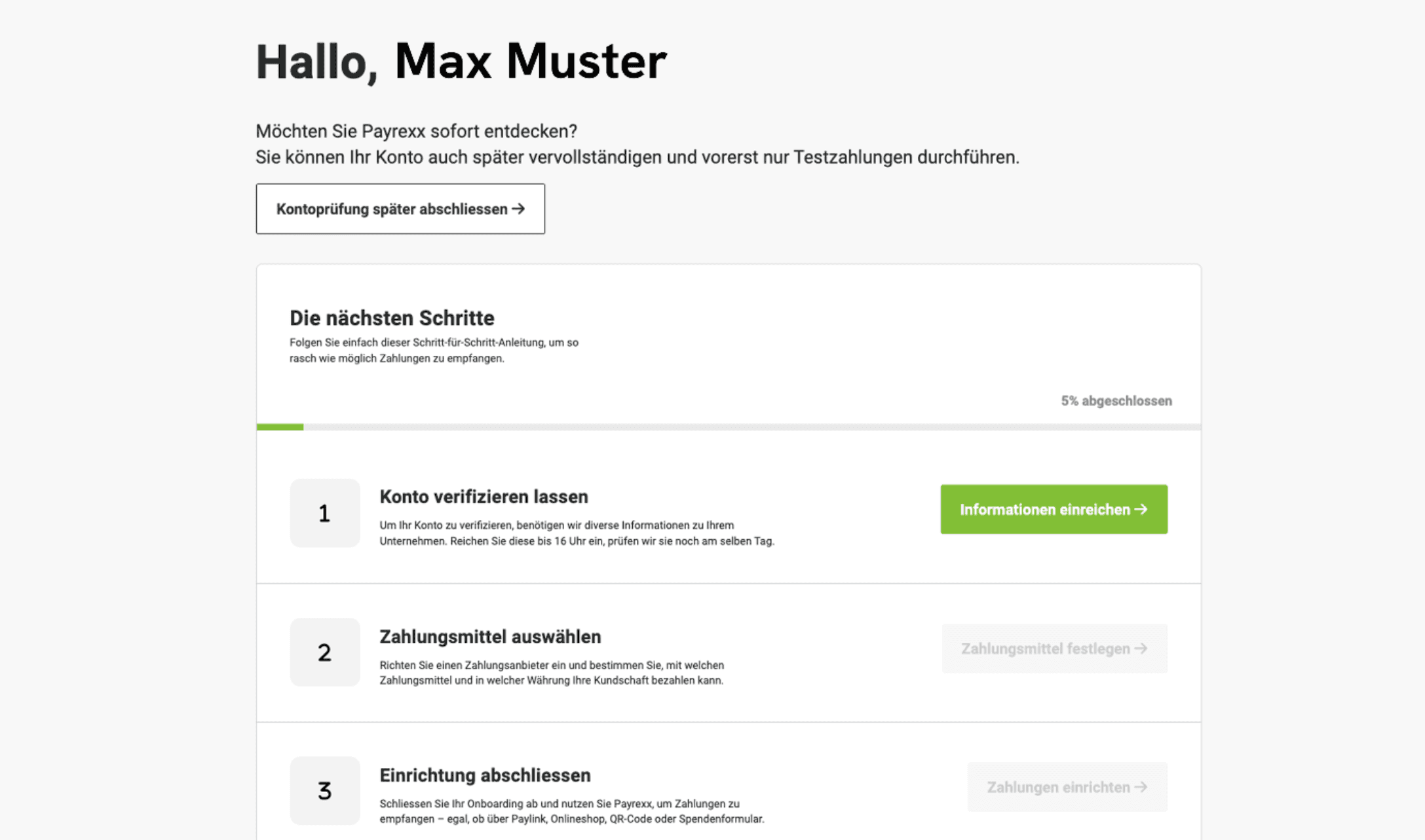
The Payrexx April 2026 release brings four concrete improvements: Partially paid invoices can now be manually marked as fully paid, Reka payment errors are now displayed with a precise reason, referral and discount codes can be entered directly during sign-up, and helpful hints and links have been added in several places in the Comerciante account.
This guide explains what has actually changed, which Comerciantes benefit from it, and how you can use the new features.
1. Manually mark partially paid invoices as paid
Previously, it was not possible to mark an invoice in Payrexx as fully paid if the remaining amount was settled outside the platform — for example, in cash, by traditional bank transfer or via another channel. As a result, invoices were permanently displayed as "partially paid", even though the amount had in fact been received in full.
With the April release, you can now mark such invoices as fully paid directly in the Comerciante account. The payment status is updated accordingly without requiring a payment to be made via Payrexx. This is particularly helpful for hybrid payment situations — for example, when a customer pays the main amount via TWINT and brings a small remaining amount in cash the next day.
Prerequisite: The invoice must have been created via the Payrexx Invoice tool. The feature is available in all plans.
2. More precise error messages for Reka payments
If a Reka payment failed, buyers previously only received a generic error message — with no indication of the exact reason. This led to confusion and unnecessary support requests.
As of now, the exact error reason is both displayed to the buyers (for example, "Card expired" or "Insufficient funds") and logged in the transaction detail view in the Comerciante account. Comerciantes can thus see at a glance why a payment has failed and can react in a targeted manner — for example, by pointing the buyer to an alternative payment method.
Reka is a Swiss leisure card accepted by thousands of businesses in Switzerland. It is particularly popular as an employee benefit in the travel, leisure, and hospitality industries.
3. Enter referral and discount codes directly during sign-up
Until now, referral and discount codes could only be entered via a prepared registration link or retrospectively in the Comerciante account. Anyone who wanted to enter a code manually had to take the detour via the account settings — which was not intuitive for many users.
Now, an input field appears during sign-up where referral and discount codes can be entered directly. This makes it easier to use in two specific scenarios:
Solution Partner: When a Payrexx partner recommends a customer, the referral code can be entered immediately during registration — even without a prepared link.
Discount campaigns: Comerciantes who have received a discount code for a Payrexx subscription can now redeem it directly during sign-up without having to access the settings afterwards.
4. New hints and helpful links in the Comerciante account
In several places in the Comerciante account, additional contextual notes and links to further documentation have been added. The goal: Comerciantes should be able to solve common questions and problems directly in the account without having to contact support.
An overview of the most important new hints:
Area | New hint / link | Benefit |
Instruction on user management and two-factor authentication | Easier setup of 2FA for increased account security | |
More information about failed payments | Faster error diagnosis without support request | |
Link to solutions for webhook errors | Developers can find the appropriate documentation directly | |
Link to information about payouts | Transparency about payout logic and deadlines |
These improvements are particularly beneficial for those Comerciantes who use Payrexx without technical background knowledge or are just starting out.
5. Country change: Payrexx Pay Plus no longer for GB and NL
Another change concerns geographic availability: Payrexx Pay Plus is no longer available to new Comerciantes from Great Britain (GB) and the Netherlands (NL). Existing Comerciantes from these countries are not affected and can continue to use Payrexx Pay Plus as usual.
For Swiss SMEs, this change has no impact. Payrexx Pay Plus remains available in all previously supported Payrexx Pay Plus countries.
Note for Comerciantes using recurring payments (subscriptions): Recurring payments are supported by Payrexx Pay, not by Payrexx Pay Plus. Anyone wishing to process subscriptions uses Payrexx Pay — both solutions can be active at the same time.
Feature | Available for new Comerciantes | Available for existing Comerciantes |
Payrexx Pay Plus – Switzerland, DE, AT, FR, IT, LU, DK, BG, LI | Yes | Yes |
Payrexx Pay Plus – Great Britain (GB) | No | Yes (Grandfathered status) |
Payrexx Pay Plus – Netherlands (NL) | No | Yes (Grandfathered status) |
Checklist: What you should check after the April release
Check open invoices with the status "partially paid" — these can now be completed manually if necessary
Is Reka active as a payment method? Look at the new error codes in the transaction detail view
Do you have a solution partner or discount code? Enter it directly in the new field during your next sign-up
Webhook errors in the logs? Use the new direct link to the webhook documentation
2FA not yet activated? Access the new instruction in the Account management area
Frequently asked questions about the Payrexx April 2026 release
Can I mark an invoice as paid if only a part of it was paid via Payrexx?
Yes. Since the April 2026 release, you can manually mark invoices where a remaining balance was settled outside of Payrexx as fully paid. This feature is available in the merchant account under invoice details.
View detailed response
Which error codes are displayed for Reka payments?
Payrexx now displays the exact reason for rejection – for example "Card expired", "Insufficient funds" or "Card blocked". The reason for the error is visible to both buyers in the checkout and Comerciantes in the transaction detail view.
View detailed response
How do I enter a reference or discount code during Payrexx sign-up?
During sign-up on payrexx.com, there is now an input field for reference and discount codes. Simply enter the code there before completing the registration. The field appears during the subscription selection step.
View detailed response
What to do in case of webhook errors in Payrexx?
In the webhook logs in the Comerciante account, there is now a direct link to the Payrexx documentation with solutions for common webhook errors. Click the link to quickly identify the cause of the error.
View detailed response
As a comerciante in Switzerland, am I affected by the Payrexx Pay Plus change?
No. The restriction only affects new Comerciantes from Great Britain and the Netherlands. Swiss Comerciantes can continue to use Payrexx Pay Plus without restrictions.
View detailed response
How often does Payrexx release new updates?
Payrexx publishes updates approximately every two months. The release notes are published in the official documentation at docs.payrexx.com/merchant/release-notes.
View detailed response

