
Tap to Pay for home visits: Mobile payment for physio- and osteotherapy therapists in Switzerland
Physiotherapists and osteopaths who visit patients at home can collect payments directly on site with the Payrexx Tap to Pay app on an Android smartphone - without a separate card terminal. The device accepts debit cards, credit cards, TWINT, and mobile wallets contactlessly. iPhones are currently not supported by Payrexx Tap to Pay.
Published:
Last updated (content):
Last updated (prices):
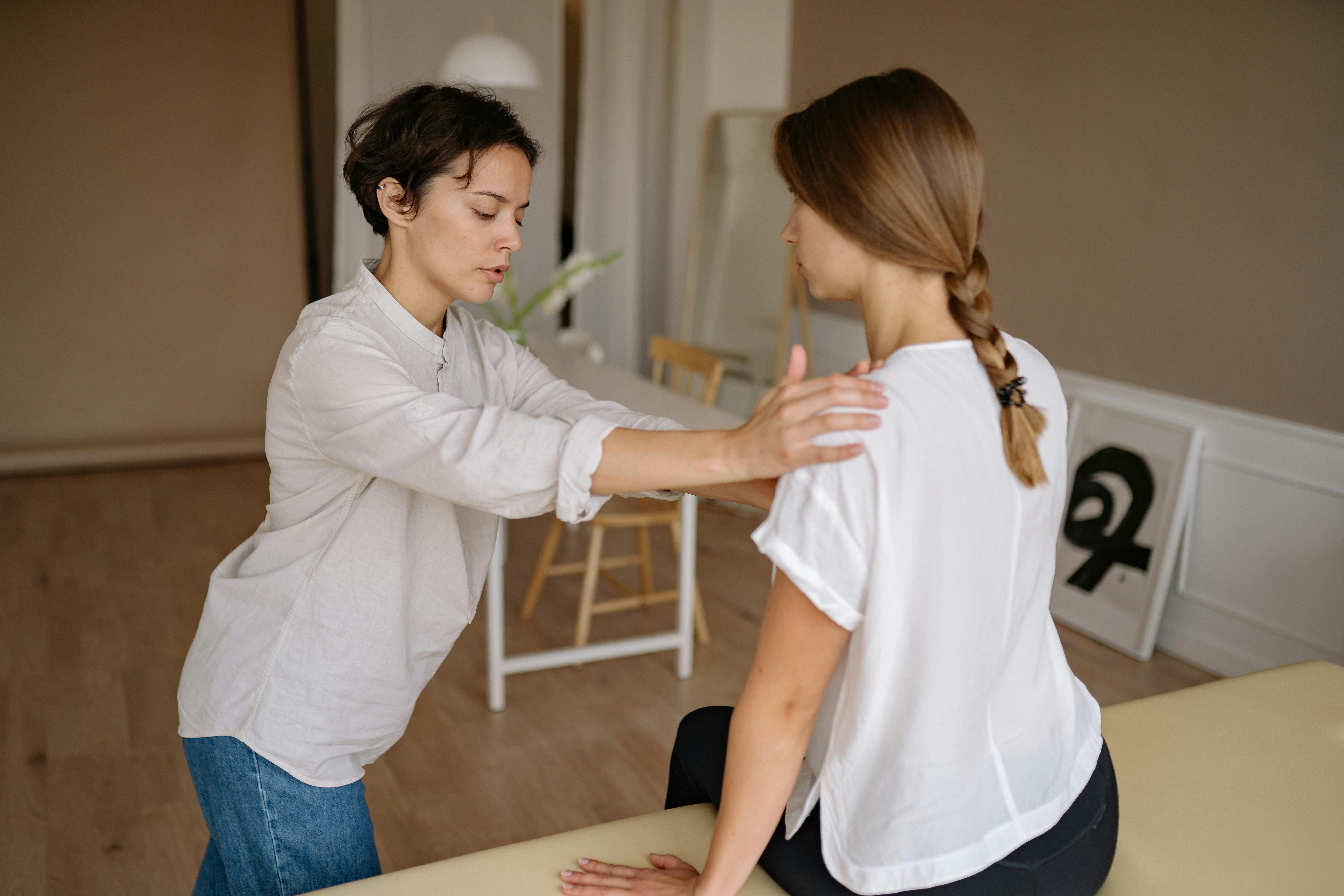
Physio- and osteotherapy therapists who visit patients at home can collect payments directly on site with the Payrexx Tap to Pay app on an Android smartphone – without a separate card terminal. The Android device accepts contactless debit cards, credit cards, TWINT, and mobile wallets. iPhones are currently not supported by Payrexx Tap to Pay.
This guide shows you how Tap to Pay works during home visits, what the prerequisites are, and how to use TWINT as a supplement if the Android device has no network connection.
1. The problem: Cash during home visits is unprofessional and tedious
As a physiotherapist or osteopath driving to patients' homes, you are often faced with an awkward situation after the treatment: changing cash, driving to the bank, recording income. This fits neither a professional appearance nor the relaxed conclusion of a therapy session.
The previous alternative – a separate card reader such as SumUp Air – partially solves the problem, but brings its own disadvantages: the device must be charged, transported, and paired separately with the smartphone. If the battery fails or the device is left at home, the payment option is gone. With Tap to Pay on the Android smartphone, this hardware is completely eliminated.
2. What is Payrexx Tap to Pay and how does it work?
Payrexx Tap to Pay is a SoftPOS solution: The NFC chip in the Android smartphone takes over the function of a card reader. The Payrexx Tap to Pay app is installed on the Android device and connected to the existing Payrexx account. When checking out, the amount is entered in the app, the patient holds the card, wallet, or smartphone against the Android device – the payment is confirmed in seconds and appears immediately in the Payrexx Dashboard.
Important for planning: Payrexx Tap to Pay works exclusively on Android smartphones with an NFC chip (Android 8.1 or higher) and Google Mobile Services. iPhones are currently not supported. Anyone who only has an iPhone available needs a physical POS terminal for on-site payments or must use payment links exclusively.
Feature | Tap to Pay (Android) | POS terminal (Nexgo N6/N86) | |
Device | Android smartphone | Separate terminal | No device needed |
Platform | Android 8.1+, NFC | Dedicated device | Any |
TWINT | Yes – directly in the app | Yes | Yes – in checkout |
Monthly device fee | None | EUR 0 currently (normally EUR 25) | None |
Debit card fee | 0.95% + EUR 0.15 | 0.95% + EUR 0.15 | 1.65% + EUR 0.18 (Std.) |
Suitable for home visits | Ideal | Possible, but bulky | Ideal as a supplement |
3. Step by step: Setting up Tap to Pay
Setting it up takes about 10 to 15 minutes and requires no technical prior knowledge.
Create a Payrexx account or log in (free, 30-day trial period)
Download the Payrexx Tap to Pay app from the Google Play Store on your Android device
Connect the app to your Payrexx account – enter your credentials
Activate payment methods: cards, TWINT, mobile wallets
Perform a test payment with your own card
Go – enter the amount, patient holds card against the device
4. TWINT for home visits: Available directly in the app
Unlike some other SoftPOS solutions, Payrexx Tap to Pay supports TWINT directly in the app. Patients can pay via TWINT during a home visit by holding their smartphone against the therapist's Android device. The transaction goes through the Payrexx account and appears in the Dashboard.
As an additional backup – for example, with a poor mobile network – a printed static TWINT QR code (created via Payrexx QR Pay) is recommended: the patient scans the code, enters the amount, and the therapist confirms the receipt later. For most home visits in urban areas with a good 4G network, this backup is not necessary.
5. Internet connection during home visits: What to do in case of a poor network?
Payrexx Tap to Pay requires an active internet connection on the therapist's Android device – either via 4G/5G mobile network or the patient's Wi-Fi. In rural areas or in buildings with poor reception, this can be a problem.
Scenario | Recommended solution | Backup |
Home visit, good mobile network | Tap to Pay Android | – |
Home visit, poor network | TWINT QR Pay (QR code) | Payment link afterwards via SMS |
Nursing home with Wi-Fi | Tap to Pay via Wi-Fi | TWINT QR code |
Rural areas | QR code + Payment link | Cash as a last resort |
6. Accounting: Recording home visits cleanly
All transactions via Tap to Pay appear in the Payrexx Dashboard with the date, amount, payment method, and optional booking text. For bookkeeping purposes, it is recommended to enter the patient ID or first name as a reference for each home visit – this allows all transactions to be assigned to the correct treatments at the end of the month.
Physiotherapy is exempt from value-added tax (VAT) in Switzerland, as is osteopathy if recognized by health insurance. For private services not covered by health insurance, VAT may apply depending on the situation – this should be clarified individually with your accountant.
7. Checklist: Setting up Tap to Pay for home visits
Check if your Android device is NFC-enabled and running Android 8.1 or higher
Create a Payrexx account (free, no monthly subscription needed for Tap to Pay)
Download the Payrexx Tap to Pay app from the Google Play Store
Connect the app to your Payrexx account and activate the desired payment methods
Additionally, create a TWINT QR code (via Payrexx QR Pay) as an offline backup
Carry out a test payment with your own card before going to your first home visit
Inform patients when confirming appointments: card payments and TWINT are now possible
Set a default booking text in the app for clean bookkeeping
Payrexx Tap to Pay is available in every plan, including Free. For mobile therapists without practice rooms or with occasional home visits, the Free plan is a sensible start. Those who additionally want to use payment links or online booking with payment can switch to Standard (EUR 19/month).
Frequently asked questions about Tap to Pay during home visits
Does Payrexx Tap to Pay work on iPhone?
No. Payrexx Tap to Pay only supports Android devices (Android 8.1+, NFC-enabled). iPhones are not supported.
View detailed response
Is TWINT available via Payrexx Tap to Pay?
Yes. Payrexx Tap to Pay supports TWINT directly in the app. Patients hold their smartphone to the Android device – the payment is processed via the Payrexx account.
View detailed response
What fees apply to Tap to Pay during home visits?
Debit cards: 0.95 % + EUR 0.15. Credit cards: 1.25 % + EUR 0.15. TWINT: 1.25 % without fixed fee. No device fee for Tap to Pay.
View detailed response
Do I need a Payrexx subscription for Tap to Pay?
Tap to Pay is available in every Payrexx plan – including the free Free plan. There is no minimum contract term.
View detailed response
What do I do if there is no mobile network coverage during a home visit?
As a backup, we recommend a printed static TWINT QR code (via Payrexx QR Pay). The patient scans it, enters the amount – and you confirm the receipt later.
View detailed response
Can I also use Tap to Pay in practice?
Yes. Tap to Pay works everywhere – in the practice, during home visits or in the treatment room. All transactions go into the same Dashboard.
View detailed response
