
Créer une boutique d’association en Suisse : vendre des produits dérivés, des billets et des cours en ligne
Publié :
Dernière mise à jour (contenu) :
Dernière mise à jour (tarifs) :
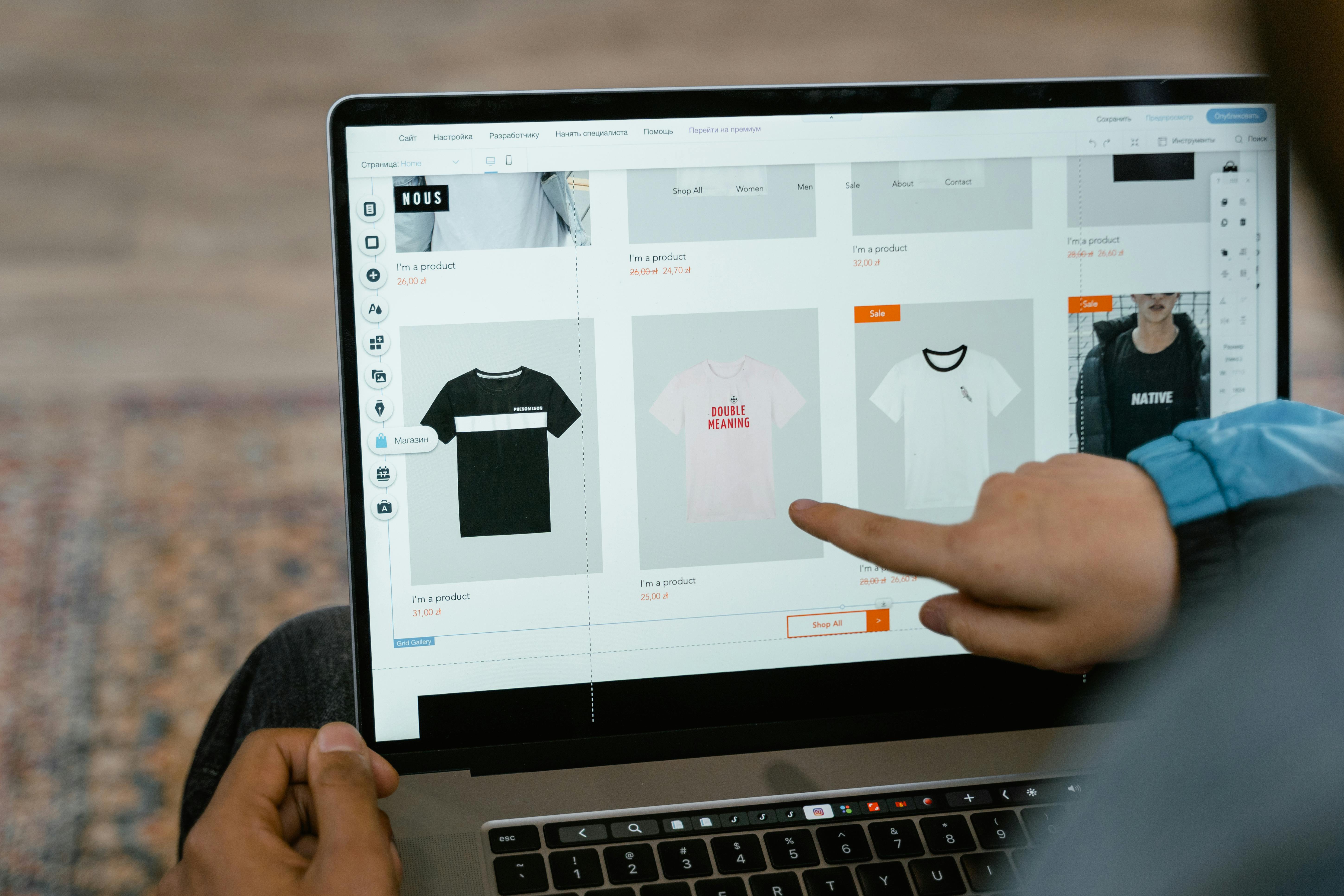
Les associations suisses peuvent mettre en place leur propre boutique en ligne de merchandising, de billets d'événement et d'inscriptions aux cours, sans aucune connaissance en programmation. Pour cela, les mini-boutiques en ligne ou les boutiques d'une seule page (One-Page-Shops), hébergées chez un Payment Service Provider (PSP) et acceptant les paiements par TWINT, carte de crédit, PostFinance et Apple Pay, sont idéales. La configuration prend moins d'une heure, les coûts commencent à zéro franc de frais fixes plus des frais de transaction d'environ 1,3 à 2,5 % par vente.
Ce guide compare les trois canaux de vente les plus courants pour les associations, présente trois cas d'utilisation concrets (boutique de supporters, billetterie, inscription aux cours) et t'explique étape par étape comment configurer la boutique de ton association.
1. Pourquoi créer la boutique de son association est judicieux
De nombreuses associations vendent des maillots par message WhatsApp, des billets de concert par virement bancaire et des places de cours d'une poignée de main à l'entraînement. Cela fonctionne – jusqu'à ce que cela ne fonctionne plus : les commandes se perdent, les paiements manquent, le trésorier perd le fil. Une simple boutique en ligne résout trois problèmes à la fois : elle présente l'offre, enregistre la commande et encaisse le paiement – le tout en une seule étape.
Par mini-boutique en ligne (également appelée One-Page-Shop), on entend une page web unique contenant peu de produits, directement reliée à une solution de paiement. Contrairement à une boutique d'e-commerce complète (par ex. woocommerce, shopify), une mini-boutique en ligne ne nécessite ni domaine propre, ni hébergement, ni maintenance technique. Elle est idéale pour les associations qui vendent entre 3 et 20 produits.
2. Trois cas d'utilisation : comment les associations utilisent leur boutique en ligne
2.1 Boutique de supporters de club de sport : maillots, casquettes et gourdes
Un club de football ou d'unihockey propose à ses membres et supporters du merchandising du club : maillots (EUR 65–85), casquettes (EUR 25), gourdes (EUR 15) et sweats à capuche (EUR 55). Dans la mini-boutique en ligne, l'acheteur choisit le produit, la taille et la couleur, saisit son adresse et paie immédiatement. L'association reçoit la commande ainsi que le paiement et expédie le produit ou propose un retrait lors du prochain match à domicile.
2.2 Billetterie d'association culturelle : concert, théâtre, lecture
Une société de musique vend des billets pour son concert annuel (EUR 25 adultes, EUR 15 enfants). Au lieu de vendre les billets en espèces à l'entrée, elle met en place une billetterie en ligne. L'acheteur choisit la catégorie, paie par TWINT ou carte de crédit et reçoit un e-mail de confirmation qui sert de billet. À l'entrée, la confirmation est scannée sur smartphone, sur impression papier ou vérifiée manuellement. Avantage : l'association connaît à l'avance le nombre de visiteurs et peut mieux planifier la restauration.
2.3 Association de cours : abonnement de yoga, cours de cuisine, camp d'entraînement
Une association de yoga propose un abonnement de 10 séances pour EUR 180 et des leçons individuelles pour EUR 22. Un club de cuisine vend des places de cours individuelles (EUR 75 par soirée). Dans la mini-boutique en ligne, la page produit sert également de formulaire d'inscription : nom, e-mail, cours souhaité et date. Le paiement s'effectue directement lors de l'inscription – l'association s'épargne les relances. Pour les offres récurrentes, des modèles d'abonnement avec prélèvement mensuel automatique sont idéaux.
3. Comparaison de trois canaux de vente
Toutes les associations n'ont pas besoin de leur propre boutique en ligne. Selon l'offre, le groupe cible et le savoir-faire technique, trois approches sont envisageables.
Critère | Propre boutique en ligne (woocommerce, shopify) | Mini-boutique en ligne / One-Page-Shop (PSP) | Vente sur les réseaux sociaux (Instagram, WhatsApp) |
Effort de configuration | Élevé (domaine, hébergement, plugin, design) | Faible (30–60 min, sans code) | Très faible (créer une publication) |
Frais d'infrastructure | EUR 15–50/mois (hébergement + plugin) | à partir de EUR 0 (abonnement gratuit possible) | EUR 0 |
Frais de transaction | env. 1,3–2,5 % (frais PSP) | env. 1,3–2,5 % (inclus dans l'abonnement) | Aucun (mais aucun paiement intégré non plus) |
Moyens de paiement | TWINT, carte, PostFinance (via plugin) | TWINT, carte, PostFinance, portefeuilles électroniques | Manuel (virement bancaire, demande TWINT) |
Nombre de produits | Illimité | 3–50 (selon le fournisseur) | Pas de gestion structurée |
Gestion des commandes | Oui (backend avec suivi du statut) | Oui (Dashboard, export CSV) | Non (manuellement par chat) |
Champs de formulaire (nom, taille, etc.) | Oui (plugins) | Oui (selon le fournisseur) | Non |
Idéal pour | Les associations avec plus de 20 produits et leur propre site web | Les associations avec 3–20 produits, sans propre site web | Vente occasionnelle, petits montants |
Conseil : Pour la plupart des associations, la mini-boutique en ligne est le compromis idéal : peu d'efforts, traitement professionnel des paiements, fonctionnalités suffisantes. Une boutique en ligne complète ne vaut la peine que si l'association gère un assortiment important et ajoute régulièrement de nouveaux produits.
4. Étape par étape : configurer la boutique de ton association
4.1 Définir les produits
Détermine quels produits ton association souhaite vendre en ligne. Garde la liste courte – 5 à 10 produits suffisent pour commencer. Pour chaque produit, tu as besoin de : un nom, un prix en EUR, une description (1–2 phrases), une photo et éventuellement des variantes (taille, couleur). Pour les billets : date de l'événement, catégorie, quantité disponible. Pour les cours : date, heure, instructeur, limite de participants.
4.2 Configurer la boutique
Inscris-toi auprès d'un PSP qui propose des mini-boutiques en ligne – comme Payrexx Pages, MyCommerce ou un outil suisse comparable. Télécharge le logo de ton association, choisis les couleurs et ajoute les produits avec photo, description et prix. Active les moyens de paiement : TWINT, carte de crédit et de débit (Visa, Mastercard), PostFinance Pay. Teste la boutique avec un paiement d'essai (montant minime, puis annulation).
4.3 Vendre et faire de la publicité
Partage le lien de la boutique par e-mail avec les membres, publie-le sur les réseaux sociaux et imprime-le sous forme de code QR sur des flyers. Pour les précommandes (par ex. les maillots avant le début de la saison), définis une période de commande avec une date de début et de fin. Pour les billets, communique clairement : « Réserve tes billets en ligne – places limitées ». Pour les cours, envoie le lien directement lors de la confirmation du cours.
4.4 Combinaison sur place + en ligne
De nombreuses associations vendent en ligne ET lors du match ou de l'événement. Voici comment cela fonctionne : la boutique en ligne prend les précommandes (paiement immédiat). Lors de l'événement lui-même, les produits précommandés sont prêts à être retirés. En plus, tu encaisses les clients de passage via Tap to Pay, un terminal de paiement ou un code QR sur le stand. Les revenus des deux canaux sont centralisés sur le même Dashboard du PSP.
5. Aperçu des coûts : combien coûte la boutique d'une association ?
Le tableau suivant présente les coûts d'une boutique d'association typique avec 10 produits et 50 commandes par mois pour un prix moyen de EUR 40.
Facteur de coût | Mini-boutique en ligne (abonnement gratuit) | Mini-boutique en ligne (abonnement standard) | Propre boutique en ligne (WooCommerce) |
Frais fixes/mois | EUR 0 | env. EUR 15–19 | env. EUR 15–50 (hébergement + domaine) |
Frais de transaction (env.) | 2,5–2,9 % + fixe | 1,65 % + 0,18 EUR | 1,3–2,5 % (selon le plugin du PSP) |
Coûts pour 50 txn × EUR 40 | env. EUR 59 | env. EUR 42 + abonnement | env. EUR 36 + infrastructure |
Coûts annuels (estimés) | env. EUR 708 | env. EUR 684–732 | env. EUR 612 + maintenance |
Effort de configuration | < 1 heure | < 1 heure | 5–20 heures |
Savoir-faire technique | Aucun | Aucun | Moyen–Élevé (WordPress, plugin, SSL) |
Résultat : La mini-boutique en ligne est la solution la plus rentable pour la plupart des associations si l'on prend en compte le temps consacré à la configuration et à la maintenance. Les coûts de transaction purs sont légèrement inférieurs avec sa propre boutique en ligne, mais les coûts d'infrastructure et de maintenance ne compensent pas cela pour un petit volume.
6. Liste de contrôle : configurer la boutique de son association
Produits définis : nom, prix (EUR), description, photo, variantes (taille, couleur)
Compte PSP ouvert et vérifié (statuts, IBAN, identification des membres du comité)
Mini-boutique en ligne créée : logo, couleurs, produits téléchargés
Moyens de paiement activés : TWINT, carte de crédit, PostFinance
Champs de formulaire configurés (nom, adresse, taille – selon le produit)
Commande de test effectuée et e-mail de confirmation vérifié
Lien de la boutique partagé : e-mail aux membres, réseaux sociaux, code QR pour l'impression
Processus de retrait lors de l'événement défini (imprimer la liste des commandes ou cocher numériquement)
Processus de remboursement clarifié (par ex. en cas d'annulation de l'événement)
Exporter régulièrement les commandes (CSV) pour la comptabilité et le traitement des commandes
Avec « Pages », Payrexx propose une mini-boutique en ligne qui se configure sans connaissances en programmation et combine la vente de merchandising, de billets et de places de cours avec paiement intégré (TWINT, carte de crédit, PostFinance, Apple Pay).
Les champs de formulaire pour le nom, l'adresse et des informations individuelles (par ex. taille de t-shirt ou date de cours) peuvent être configurés par produit. Les commandes sont centralisées sur un Dashboard avec fonction d'exportation. L'abonnement gratuit n'a pas de frais fixes mensuels – l'association ne paie que des frais de transaction par vente.
Questions fréquentes sur la boutique associative pour les associations suisses
Ai-je besoin de mon propre site web pour créer une boutique pour mon association ?
Non. Les mini-webshops sont hébergés directement chez le PSP et partagés via un lien. Tu n'as besoin ni de domaine, ni d'hébergement, ni de connaissances techniques. Tu peux diffuser le lien de la boutique par e-mail, sur les réseaux sociaux ou par code QR.
Voir la réponse détaillée
Puis-je également vendre des billets d’événement en quantité limitée avec une boutique d’association ?
Oui. La plupart des solutions de mini-boutique en ligne permettent d’enregistrer un nombre maximal de stock par produit. Lorsque tous les billets sont vendus, le produit est automatiquement affiché comme « épuisé ».
Voir la réponse détaillée
Comment fonctionne le retrait sur place lors de l’événement pour les précommandes en ligne ?
Après le paiement, l'acheteur reçoit un e-mail de confirmation avec le numéro de commande. Lors de l'événement, il présente la confirmation sur son smartphone et reçoit son produit. L'association imprime la liste des commandes au préalable ou la coche numériquement dans le Dashboard de PSP.
Voir la réponse détaillée
Puis-je combiner les inscriptions aux cours et le paiement en une seule étape ?
Oui. Dans le mini-webshop, tu configures le cours en tant que produit et tu ajoutes des champs de formulaire : nom, e-mail, date souhaitée. Le paiement s'effectue directement lors de l'inscription – la place de cours n'est réservée qu'après le paiement.
Voir la réponse détaillée
Quels moyens de paiement devrait proposer une boutique d’association ?
TWINT est le moyen de paiement mobile le plus populaire en Suisse et doit toujours être activé. Ajoute au moins Visa et Mastercard (carte de crédit et de débit) ainsi que PostFinance Pay. Apple Pay et Google Pay augmentent la conversion auprès des acheteurs plus jeunes.
Voir la réponse détaillée
Une association doit-elle facturer la TVA pour sa boutique en ligne ?
En règle générale, non. Les associations suisses, gérées à titre bénévole et dont le chiffre d'affaires annuel est inférieur à EUR 250’000, sont exonérées de la TVA. Pour les associations sans exonération fiscale, la limite est de EUR 100’000.
Voir la réponse détaillée
Comment exportes-tu les commandes pour la comptabilité de l’association ?
La plupart des PSP proposent un export CSV des transactions. Tu télécharges le fichier et tu l'importes dans ton logiciel de comptabilité ou dans un fichier Excel. Il contient le montant, le moyen de paiement, la date et les détails de la commande.
Voir la réponse détaillée

